Device connectivity, not transcription
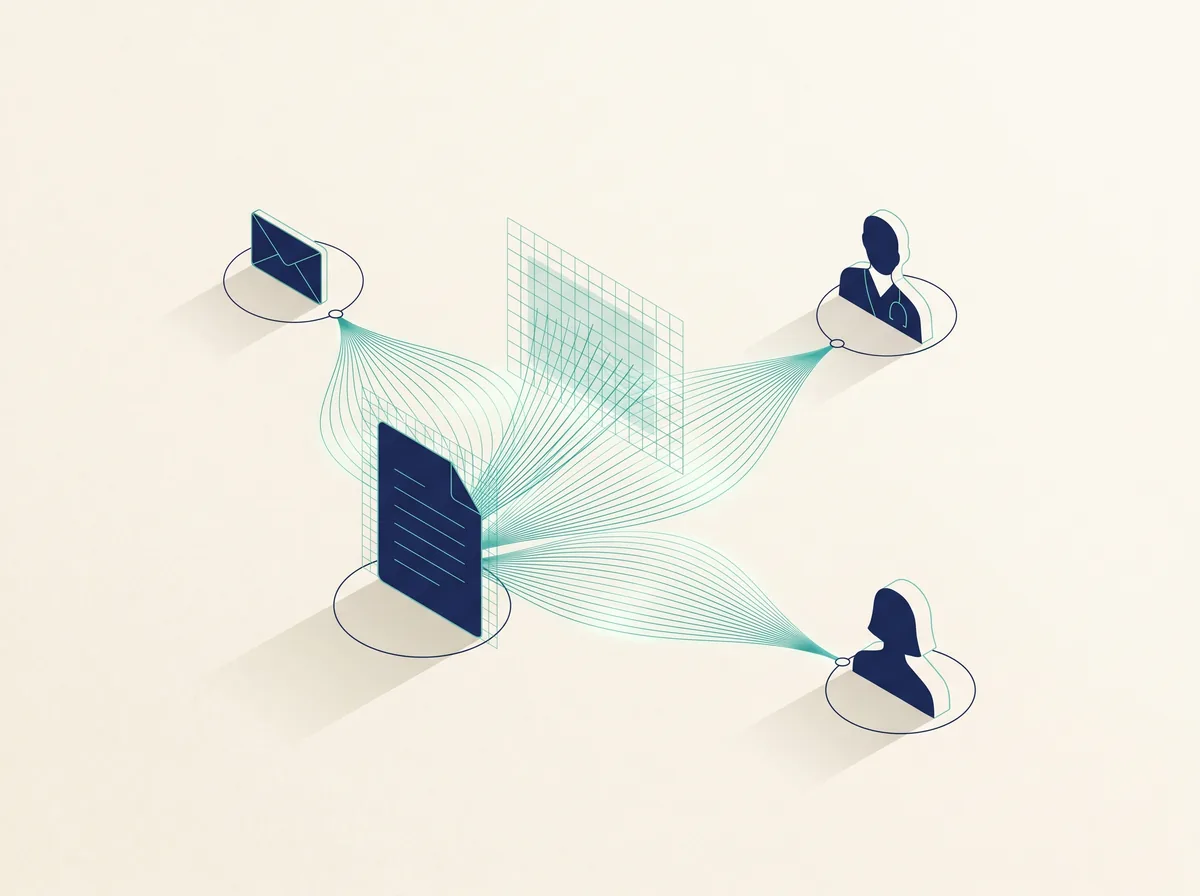
Results come off the analyser electronically the moment they are produced. No re-typing, no gap between the measurement and the record. See which analysers Catenix connects and how the connectivity layer works.
Home / Resources / Occupational health screening software
Buyer's guide · Occupational health
Booking, testing, chain of custody, the corporate report and the invoice: what occupational health screening software should do, in one system.
Published 1 July 2026 · Last reviewed: July 2026 · 5 min read
Occupational health screening software runs a workplace testing service end to end: it books the workforce in, captures every result electronically from the analyser, keeps chain of custody and operator records intact, and produces the corporate report and the invoice at the end. If your service still runs on a diary, a stack of device printouts and a master spreadsheet, this guide describes what replacing that looks like.
A workplace screening contract is not one patient at a time. It is eighty employees over two days at a client's premises, a second contract at your own clinic the same week, and a mobile unit somewhere else entirely. The clinical work is usually fine. What breaks is everything around it:
With the workflow in one system, a screening day changes shape. When the last worker leaves, the programme is already reconciled: who attended, who was tested, what was run, and what remains outstanding. Friday afternoon stops being a data-entry shift.
Catenix is built as exactly this kind of platform for occupational health providers. The occupational health solution page covers the full workflow; the sequence and proof points below are the ones buyers ask about first.
How it flows
The proof
Results come off the analyser electronically the moment they are produced. No re-typing, no gap between the measurement and the record. See which analysers Catenix connects and how the connectivity layer works.
Every test is run by a named, signed-in operator. If a client or a regulator asks who performed a test six months later, the record answers without an investigation.
Who ran what, on which device, at what time, for which worker, under which programme, with the original device message retained. That is chain of custody in practice.
Each client sees their own programme: progress, completed reports, invoices, and nothing belonging to anyone else. Fewer status emails, faster sign-off.
Clinics, client premises and mobile units under one account, with per-site devices, operators and views, managed through the administration layer.
Catenix moves, records and reports results. It does not interpret clinical results and provides no clinical decision support. Clinical judgement stays with your clinicians and the analyser's instructions for use.
Corporate reporting
If the answers involve exports and spreadsheets, you are buying the Friday afternoon problem back.
Questions, answered
Software that runs a workplace health screening service end to end: booking the workforce in, capturing each test result electronically from the analyser, keeping chain of custody and operator records, and producing the corporate report and invoice at the end. It replaces the mix of spreadsheets, device printouts and manual reports most providers use today.
Every result is captured electronically from the device the moment it is produced and attached to a named worker, a named operator, a device serial number and a timestamp. Nothing is re-typed, so there is no gap between the measurement and the record, and the original device message is retained as evidence.
Yes. Each corporate client gets a portal scoped to their own workforce programme: screening progress, completed reports and invoices, and nothing belonging to any other client. Individual clinical detail is shared according to the consent model you configure for the programme.
Yes. Sites and mobile units are administered under one account, each with its own devices and operators, and results roll up into one view. A screening day at a client's premises is handled the same way as a session in your own clinic.
Bring your analyser list and a client programme. We'll show the workflow end to end, live.